Can you add support for stylization of the iFrame?

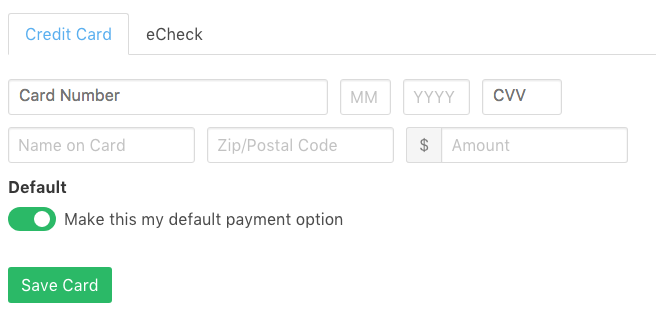
Spreedly only manages two fields using the iFrame: Credit Card Number and CVV.
The beautiful thing about the iFrame is the endless customization options it offers your engineering team. We receive many inquiries at Spreedly asking how to accomplish particular behavior on a customer's page.
While our engineering team is not able to speak to each of these questions on how to design your parent page, we think the prospect of adding a Professional Services team in the future is exciting. For now, Spreedly customers should rely on their internal engineering teams to field these questions.
Check out our iFrame reference API for inspiration.
-

There doesn't seem to be any way to change the placeholder text color in the hosted fields. Stripe's Elements API provides a way to do that like so:
{
base: {
fontSize: '16px',
...
'::placeholder': {
color: 'rgba(0, 0, 0, 0.54)',
}
},
invalid: {
color: 'rgb(221,44,0)',
':focus': {
color: '#303238',
}
}
}Is there or will there be a workaround to style placeholder text? Spreedly.setStyle only applies to the field itself, and even though Spreedly.setPlaceholder's description says 'Style iFrame fields’ placeholder text', it just demonstrates changing the placheholder text value, not the style. Thanks!
-
Hi James,
We understand that stylizing your payment form to fit your UX is important, which is why our iFrame solution is such a popular choice for developers. Today, however, it is not possible to alter the color of the placeholder text within our iFrame.
Our placeholder color is set via browser-specific pseudo selectors, and it is not possible for us to change the stylization. This cannot be overridden by using your own CSS, either.
The idea of customizing the placeholder text appearance is an interesting one, and we are always open to hearing about how our customers would like our iFrame to behave.
It's possible we may consider this in our next large iFrame update, so please keep an eye on our Changelog if this is something you are interested in!
Thank you.
-

Hello there,
I have the same question concerning the style customisation of a special state of the input fields in the iframe.
Example when card number or CVV fields are focused, I would like to change border color.
For now is not possible to add pseudo classes as :hover or :focus to inline ccs styles.
Have you found a solution to allow a full style customisation of this fields styles?


Please sign in to leave a comment.
Comments
6 comments